It is now easy to draw pictures with digital drawing gadgets for artists, designers, and students. But there are some limitations to the ability of all drawing tablets to be self-reliant. There are those that depend on a computer that runs some creative software; others have a screen, OS, and applications built into them.
Therefore, can XPPen be used without a computer? This depends on what device you have because some stand-alone gadgets can be able to support compatible applications, whereas some other gadgets like traditional graphics tablets and pen displays cannot.
If portability is your priority, learning how to use XPPen standalone drawing tablet without a computer can help you understand the available options and choose a setup that suits your creative workflow.
1. Can XPPen Be Used Without a Computer?
Yes, Some XPPen devices can operate independently without a computer, while others require a computer to function. This depends mostly on whether the product comes equipped with its own software and hardware necessary to operate graphics applications.
Stand-alone tablets function in a similar way to normal tablets. You may use compatible apps to draw and save pictures and materials.
Normal graphics tablets typically transmit pen input to the connected computer where the drawing software is executed. Pen displays are essentially drawing screens, yet they depend on a computer for processing and execution of applications.
Therefore, when asking, Can XPPen be used without a computer?, check the specific product’s operating system and supported functions rather than assuming every model works independently.
2. Understanding Different Types of Drawing Tablets
Standalone Drawing Tablets
The portable drawing pads consist of the screen, processor, memory, and operating system within one unit. They are capable of executing drawing applications without requiring a computer, thus ideal for sketching, illustration, and other creative uses.
The portability of these devices makes them quite handy. Artists can draw in a studio, classroom, at a café, or outdoors without having to carry a computer along. But it is worth considering certain features before buying them.
Traditional Graphics Tablets
Generally, graphics tablets have been composed of a drawing space and a sensitive pen. Graphics tablets plug into computers where users view their results using monitors.
They are cheap and useful in computer illustrations, photography editing, and writing. Unfortunately, they are not able to execute the drawing programs independently due to the absence of an operating system and processing unit in them.
Pen Displays
Pen displays allow users to draw on screen using an appropriate stylus. Pen displays are favored by many illustrators, graphic artists, and animators working with desktop software.
Most traditional pen displays, despite having screens of their own will nevertheless need to be connected to a computer. If working independently is important to you, make sure that the pen display can run stand-alone software.
3. What Can You Do Without a Computer?
A standalone drawing tablet can support several creative activities, depending on its hardware, operating system, and available applications.
Create Digital Illustrations
Compatibility drawing software provides features such as brushes, layers, color palette and selections. The pressure sensitive stylus helps control line width and shading whereas the tilt feature enables greater control over brushes.
It is possible for beginners to engage in drawing on the computer without having to set up a computer, while experts can use standalone gadgets to create sketches and character drawings.
Sketch Anywhere
Ideas strike us when we are not at our desks. A portable drawing tablet allows artists to jot down ideas during travel, class, or outdoor work.
Factors such as weight, brightness of the screen, battery power, and charging speed are essential factors that matter. The responsiveness of the stylus pen and the surface of the screen also matter.
Edit Images and Manage Projects
The performance of the tools will rely on application support. The independent tools can be used to perform tasks such as editing photos, visualization, and content creation.
Storage capacity is particularly important when handling large files or maintaining an extensive photo library. Cloud services, as well as file transfer tools, will also be helpful for transferring projects between devices.
Support Learning and Presentations
Standalone tablets can be helpful in digital art classes for taking handwritten notes, annotating documents, and visual presentation. People can utilize suitable applications without having to own a separate computer for each function.
4. What to Consider Before Buying a Standalone Tablet
Selecting the correct device goes beyond verifying its capability to function in a stand-alone capacity.
Operating system and software: Verify that the product will be able to work on the drawing applications you prefer. Features in mobile apps can differ from those in the desktop variant.
Display and stylus: Your experience when viewing the screen can depend on its resolution, refresh rate, brightness, and color gamut. It is also essential that pressure sensitivity and tilt recognition are present in drawing.
Battery and memory: Pay attention to the battery life, battery charging time, memory size, and available expansion when working in a non-fixed environment on your artwork.
Connectivity: USB-C ports, file transfer abilities, and external monitor support can be useful when switching between stand-alone and computer use.
This list of characteristics will help you determine the appropriateness of a stand-alone device for your needs.
5. A Closer Look at a Dual-Mode Drawing Device
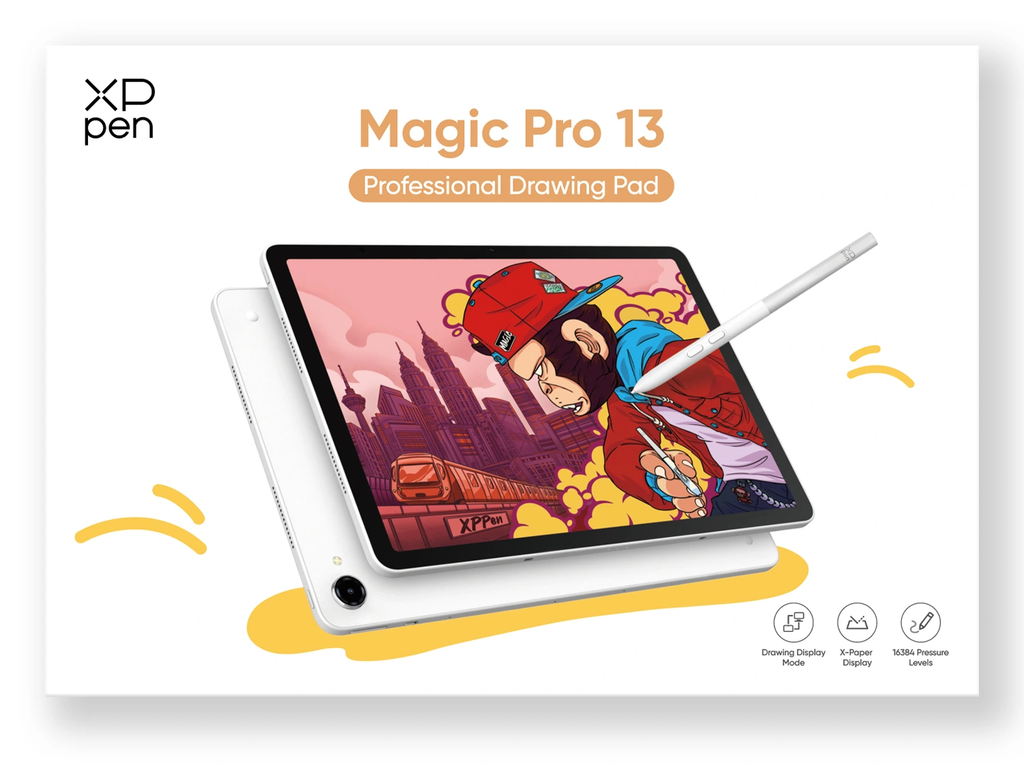
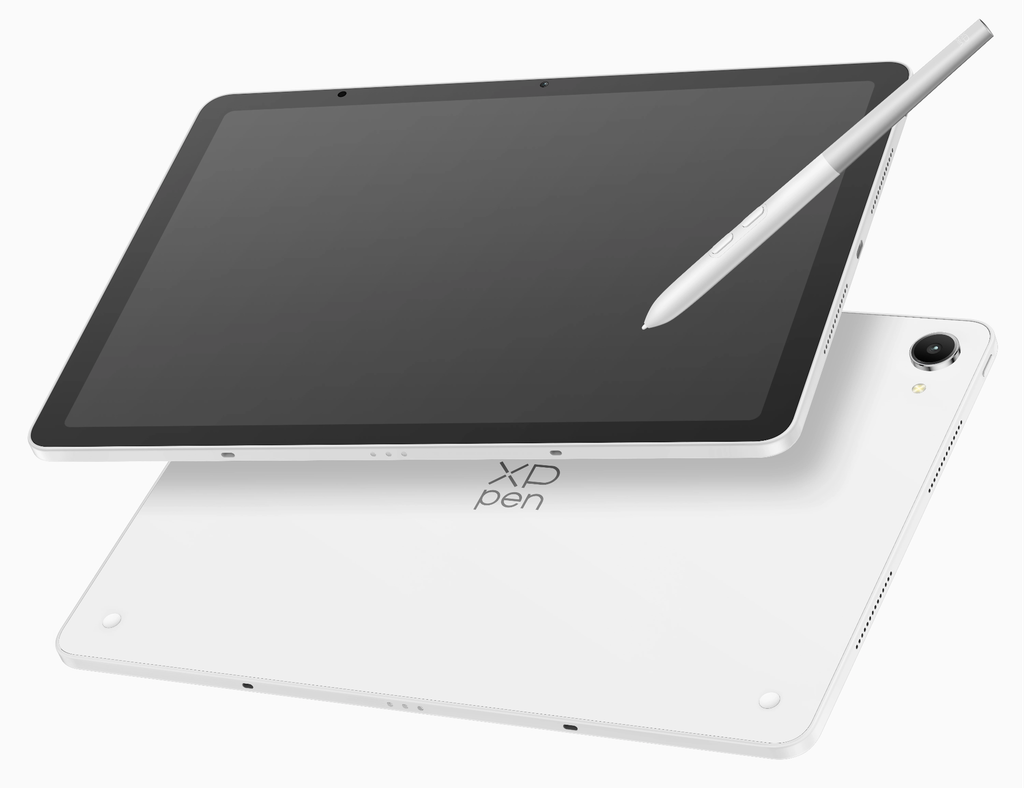
Designed for creators who need mobility and versatility, the XPPen Magic Pro 13 standalone Drawing Pad supports independent Android-based drawing and computer-connected display functionality in a single device. It runs on Android 16, operates independently on supported drawing applications, and is capable of connecting to a computer using a USB-C connection for creative tasks on the computer desktop.
Featuring a 12.95-inch 3K screen with a 120Hz refresh rate and accurate color reproduction, the device also comes with an X4 Smart Chip Stylus that supports 16,384 pressure levels and 60° tilt recognition.
The XPPen Magic Pro 13 is powered by a MediaTek Dimensity 8300 CPU, along with 8GB RAM, 256GB storage, and a 10,200mAh battery. The device is designed for portable creative work and works with popular applications such as ibisPaint, Clip Studio Paint, and MediBang Paint.
6. When Should You Connect a Drawing Tablet to a Computer?
While standalone use may be easy, a computer still retains its utility even in creative endeavors. There might be tools available only in desktop versions that are not available in their mobile counterparts.
For instance, an artist can draw out a character through a portable tablet while traveling and then upload the drawing to their computer where they can fine tune it. Graphic artists can come up with initial designs without having to use computers at first.
Computer connectivity may also be useful in handling large-scale projects and using multiple software packages. For the artists that require mobility as well as a desktop solution, using a compatible dual-mode computer will help achieve that.
If you are wondering, Can XPPen be used without a computer?, the important consideration is whether your chosen model supports standalone operation and whether its software meets your requirements.
7. Choosing the Right Drawing Setup
The best drawing device depends on your working habits, preferred applications, and portability requirements.
An independent drawing tablet would be the ideal solution for someone who intends to produce art without having to lug a laptop along. For one who uses desktop applications exclusively, a regular graphics tablet or pen display may be more suitable.
In dual-mode devices, there is more flexibility for individuals who switch between sketching outside and working on a computer professionally. However, before buying, one needs to consider the factors such as operating system, display, stylus pen, battery life, storage, and connectivity.
Ultimately, Can XPPen be used without a computer? Yes, if you choose a compatible standalone model. Understanding the differences between standalone tablets, graphics tablets, and pen displays will help you select a device that supports your creative workflow at home, in the studio, or on the go.