Puns work because they are small. A few words can create a picture in someone’s head: a spicy food caption, a travel joke, a work joke, a holiday line, or a game-night one-liner. Short AI clips can give those lines a visual setting, but only if the creator resists the urge to make the joke too complicated.
A Seedance 2.5 AI can help turn a caption idea into a short scene. The best results come from keeping the pun in the caption and letting the video show the setup: the dip bowl, the suitcase, the office desk, the scoreboard, or the party table.
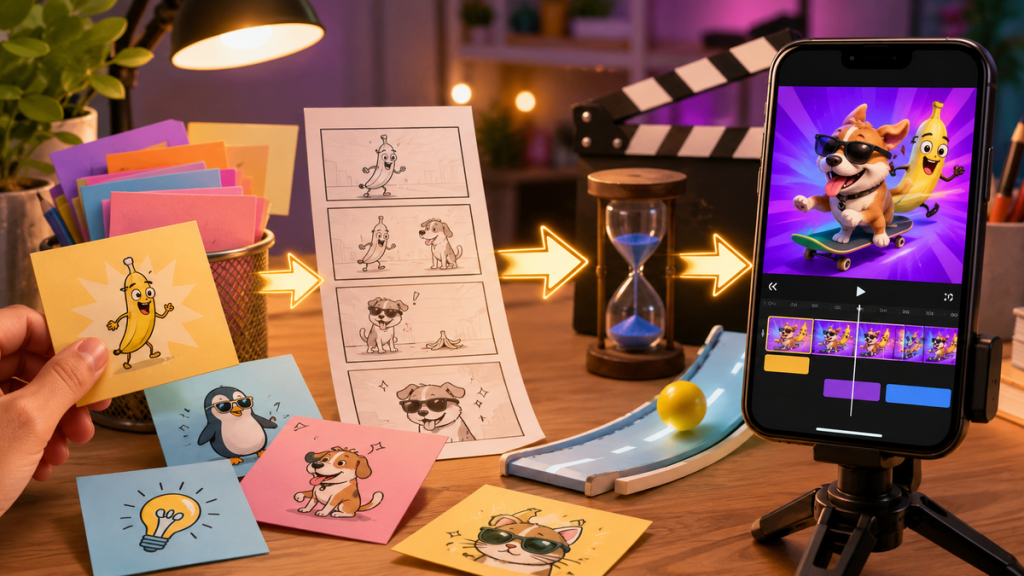
Concept visual: pun ideas arranged into simple scenes for social clips.
Let the caption stay funny
The video does not need to explain the whole pun. If the caption is “This dip is nacho average snack,” the clip can simply show a snack table with a bowl of dip and chips moving into frame. If the caption is about travel, show a suitcase, boarding pass, or map. The caption creates the wordplay. The video creates the moment.
This is important because AI-generated visuals can become noisy. If the clip tries to include every part of the joke, the viewer has to work too hard. A clean scene gives the pun room to land.
Build prompts from the setup
Every pun has a setup. Find it first. For food puns, the setup is usually the food. For work puns, it may be a desk, laptop, meeting room, or coffee cup. For sports puns, it might be a ball, scoreboard, jersey, or celebration. For holiday puns, choose a clear seasonal object.
Turn that setup into a prompt with one action. “A bowl of salsa and chips on a picnic table, one chip dips into the salsa, slow close-up, playful summer party mood, vertical short video.” That is enough. The joke can live in the post caption.
Use text-to-video when you need the whole scene
When there is no source photo, a Seedance 2.5 text-to-video workflow lets you describe the scene from scratch. This works well for caption lists because many captions are not tied to a specific real image. You can generate a simple clip, then add the pun as text in a normal editing app or in the social caption.
If you do have your own photo, image-to-video may be better. A real party snack table or travel photo can become more personal than a generated scene.
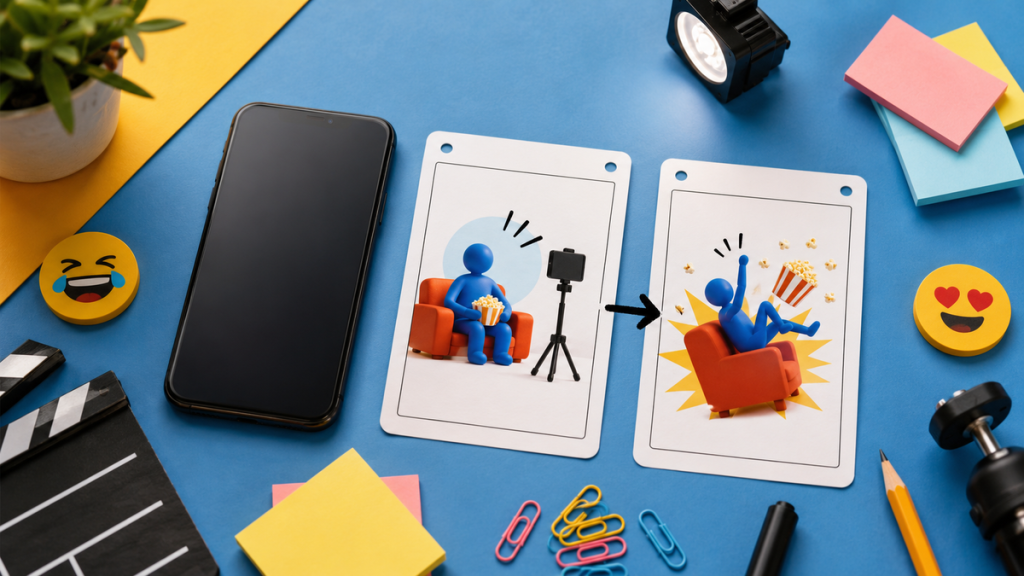
Workflow illustration: caption idea, visual subject, one action, and final short clip review.
Keep the visual safe and simple
Puns can be playful without becoming messy. Avoid prompts that ask for copyrighted characters, celebrity likenesses, fake brand logos, or public figures. Avoid using generated people to imply real events. For edgy jokes, be extra careful: a pun may look harmless in text but feel different when attached to a visual person or group.
For social content, it is safer to use objects, hands, tables, landscapes, pets, game pieces, or abstract scenes. These can carry the joke without creating identity problems.
Make reusable clip formats
Creators can build a small library of prompt formats. Food caption format: object close-up, table setting, one motion, playful mood. Travel caption format: suitcase or map, slow pan, bright daylight, optimistic mood. Work caption format: desk object, subtle movement, calm office lighting, deadpan mood. Holiday caption format: seasonal decoration, cozy motion, warm lighting, vertical format.
The caption changes, but the workflow stays familiar. This helps creators make more content without starting over each time.
Review the final clip like a viewer
Ask three questions before posting. Can someone understand the object in the first second? Does the caption fit the visual without extra explanation? Are there weird details that distract from the joke? If the clip has strange hands, fake text, distorted food, or unclear objects, regenerate with a simpler prompt.
Also check the pacing. A pun clip should move quickly. If the camera takes too long to reach the subject, the viewer may scroll before the joke lands.
A simple example workflow
For a pepper pun, the creator can avoid showing a talking pepper or a chaotic kitchen. A cleaner prompt might show a bowl of peppers on a counter with a slow push-in and bright lighting. The caption supplies the wordplay. The video supplies the color and timing.
For a travel pun, the same method could use a suitcase rolling into frame. For a game-night pun, it might use dice, cards, or a scoreboard. The format is reusable: object, one action, simple mood, short vertical clip. That keeps the humor light instead of overproduced.
For a caption or pun site, this workflow can sit naturally beside lists of jokes. After readers find a caption, they often need a way to use it. A short prompt example gives them a visual option for Instagram, TikTok, Pinterest, or blog embeds without changing the site’s playful voice. It also gives the publisher a natural bridge between humor lists and creator tools, which makes the article feel useful rather than randomly promotional.
The practical takeaway
A pun does not need a big production. It needs a clean setup. Choose the object behind the joke, add one action, keep the motion short, and let the caption do the wordplay. That balance turns a clever line into a shareable visual without smothering the joke.
Creators who want a repeatable caption-to-scene habit can use the Seedance 2.5 prompt guide to keep each clip focused on one object, one action, and one visual twist.